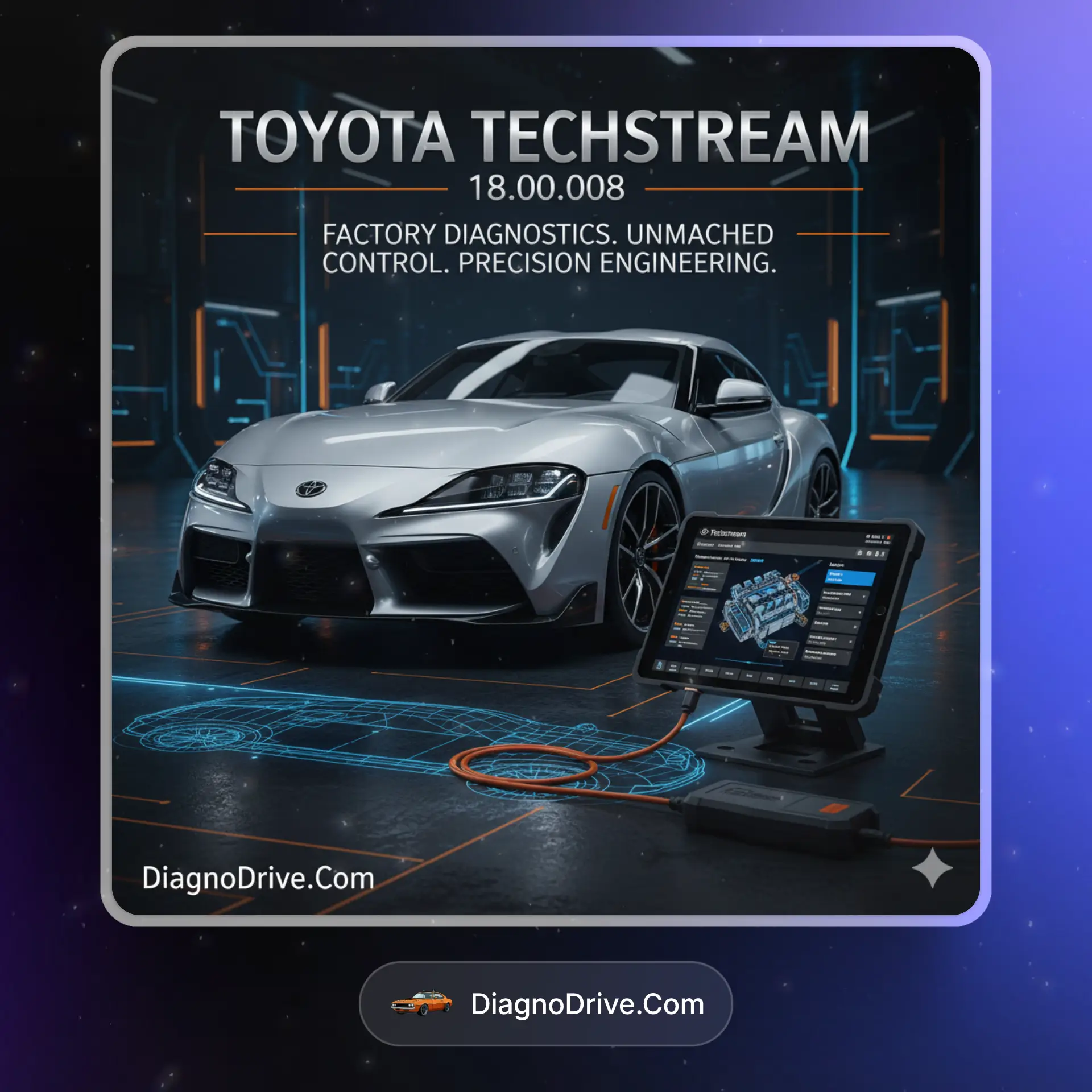
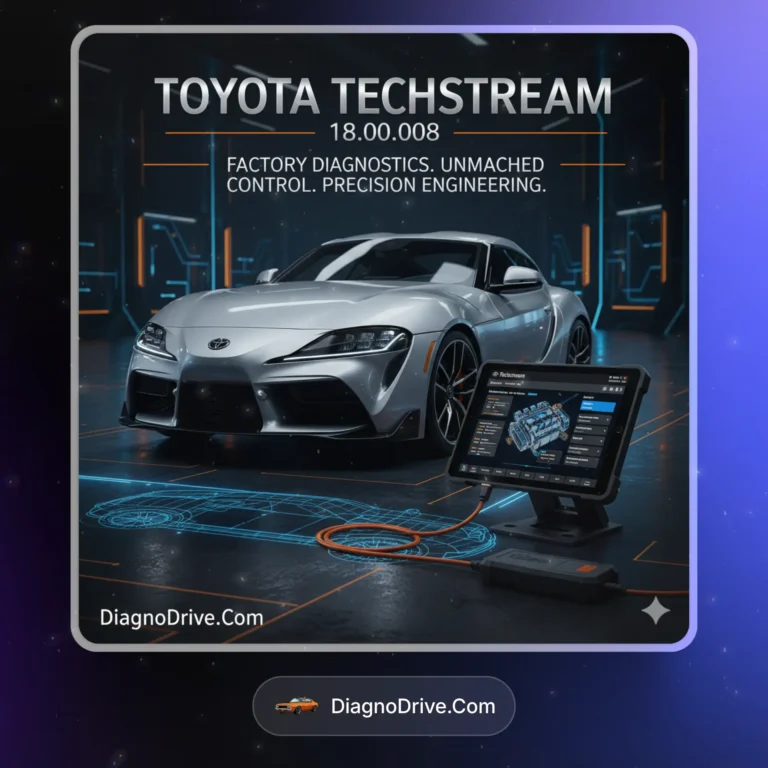
Toyota Techstream 18 is the official Toyota and Lexus diagnostic software for Windows. It provides dealer-level access to ECUs, OBD2 systems, coding, programming, service resets, and key programming across Toyota, Lexus, and Scion models. Designed for workshops and advanced enthusiasts who need reliable OEM-level coverage. 100% digital download, no shipping required.
🔧 What’s Inside
| Feature |
What It Does |
Perfect For |
| OEM ECU Diagnostics |
Full system scan, fault code read/clear, live data streaming |
Workshops servicing Toyota and Lexus |
| Service Resets |
Oil light reset, TPMS, battery registration, steering angle calibration |
Routine service and maintenance |
| ECU Coding & Customization |
Enable, disable, or configure ECU features |
Vehicle customization and advanced repairs |
| Key Programming & Immobilizer |
Add or program new keys, reset immobilizer system |
Lost key replacement or spare key setup |
| Flash Reprogramming |
Update ECU firmware and calibration files |
ECU updates and bug fixes |
| Report & Export |
Generate diagnostic logs and customer handover reports |
Workshops needing clear customer communication |
🎯 Why Choose Toyota Techstream 18
💡 Key Benefits
- Official coverage for Toyota, Lexus, and Scion vehicles
- Dealer-level functions including ECU coding, reprogramming, and key programming
- Wide model support from older vehicles up to modern models
- Windows based software with user friendly interface
- Professional reports for workshop documentation
🎨 Best Use Cases
- Toyota workshops and Lexus specialists
- Independent garages needing OEM diagnostic depth
- Mobile mechanics with Toyota/Lexus service focus
- ECU updates and customization
- Key programming and immobilizer reset
Highlight: Toyota Techstream 18 is the same style of software used in dealerships, giving you OEM accuracy for diagnostics, ECU reprogramming, and key programming.
📋 Technical Specs
| Supported Interfaces |
Toyota MVCI, Mongoose Pro, J2534 PassThru devices |
| Windows |
Windows 7, Windows 10, Windows 11 (32/64 bit) |
| macOS |
Not supported |
| Vehicle Coverage |
Toyota, Lexus, Scion up to 2021+ models depending on region |
| Delivery |
Digital download only |
| License |
Activation included, functions requiring OEM subscription (like online reprogramming) need valid Toyota account |
🚀 What You Get Right Now
✅ Instant Download – Software delivered right after purchase
✅ License – Activation included, ready to install
✅ Content – Full Toyota, Lexus, Scion diagnostic software
✅ Workflow – Windows based, J2534 compatible, dealer-level coverage
💡 Pro Tip
When performing ECU reprogramming, always connect a stable battery maintainer. Use a genuine J2534 or MVCI cable for the best compatibility, and back up vehicle ECU data before coding or flashing.
❓ FAQ
- Does Toyota Techstream 18 support Lexus? Yes, full coverage for Toyota, Lexus, and Scion.
- Which cables work? MVCI, Mongoose Pro, and many J2534 interfaces are supported.
- Does it include key programming? Yes, key programming and immobilizer reset are supported where applicable.
- Is it Windows only? Yes, Windows 7, 10, 11. macOS is not supported.
- Is delivery digital? Yes, download and activate instantly after purchase.
Toyota Techstream 18 delivers OEM-level diagnostics, ECU reprogramming, service functions, and key programming for Toyota and Lexus vehicles. Perfect for workshops, locksmiths, and enthusiasts who need dealer-grade functionality at their fingertips.









 Instant Digital Access
 24/7 Live Support
 Secure & Hassle-Free Checkout


Harry –
Does everything the dealer software does. I’ve done ECU reflashing, ABS bleeding, and tons of diagnostics without issues. Just make sure you have a good VCI cable